
Publishing
Share and embed
Publish a link, put the player on your own site, or share a QR code.
Link
Create a share link
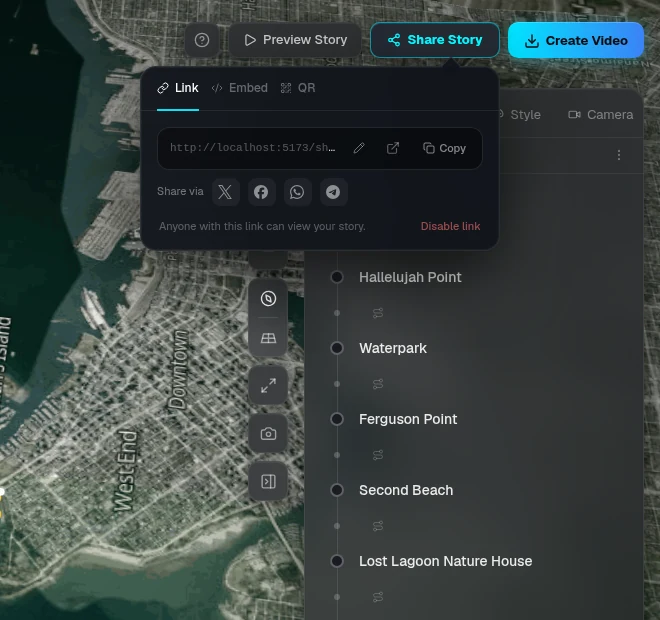
Click Share → Link → Create share link. Anyone with the link can watch the story in their browser, no account needed.
- — If your story is still untitled, you'll be asked to name it first. That name is what viewers see
- — Disable link to take it offline. Re-enable brings the same link back, New link replaces it and the old one stops working
- — Plus: set your own readable link instead of the random one
Viewers
What viewers see
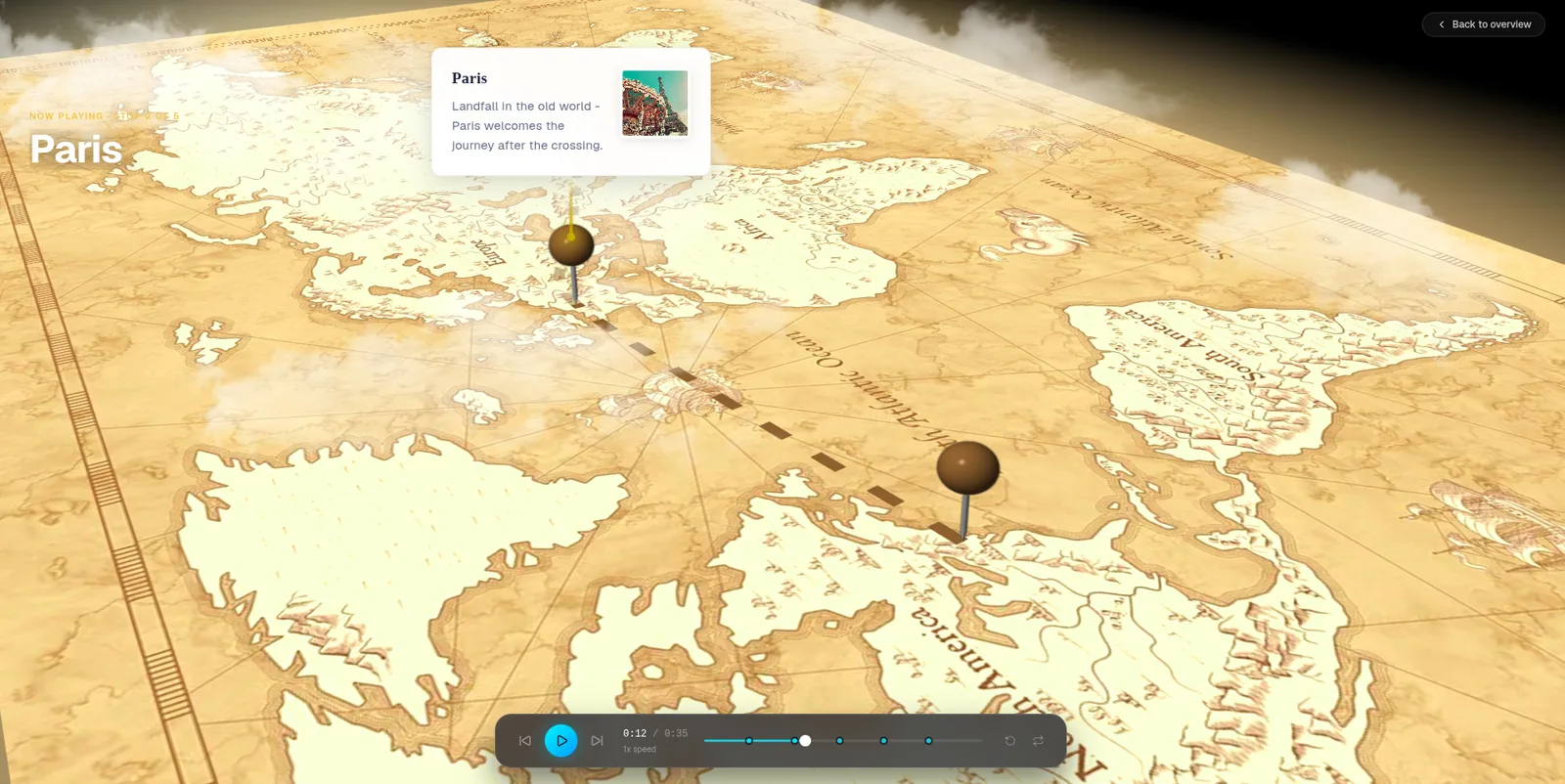
The share page shows the story's title, distance and moments with a Play button. Viewers can jump to any moment and replay it.
Embed
Embed the player on your site
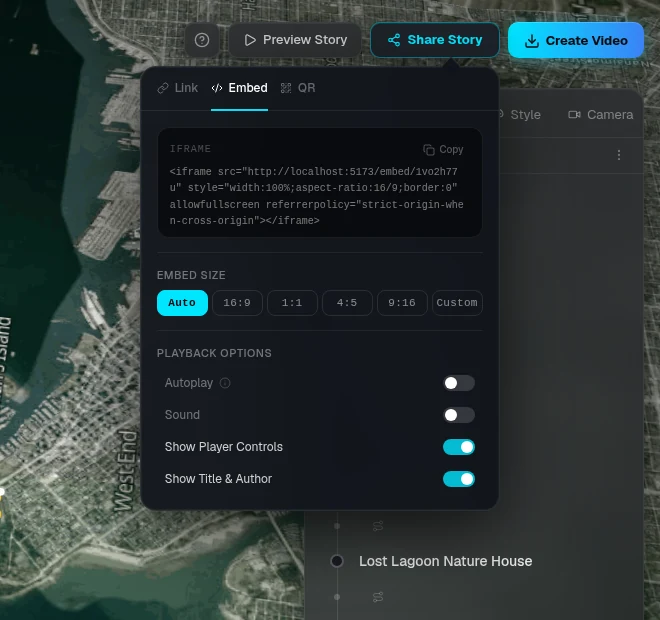
Share → Embed gives you an iframe code to paste into a blog, website or article.
- — Size: Auto (responsive), 16:9, 1:1, 4:5, 9:16 or a custom size
- — Options: autoplay, sound, playback controls and the title bar
QR
Share a QR code
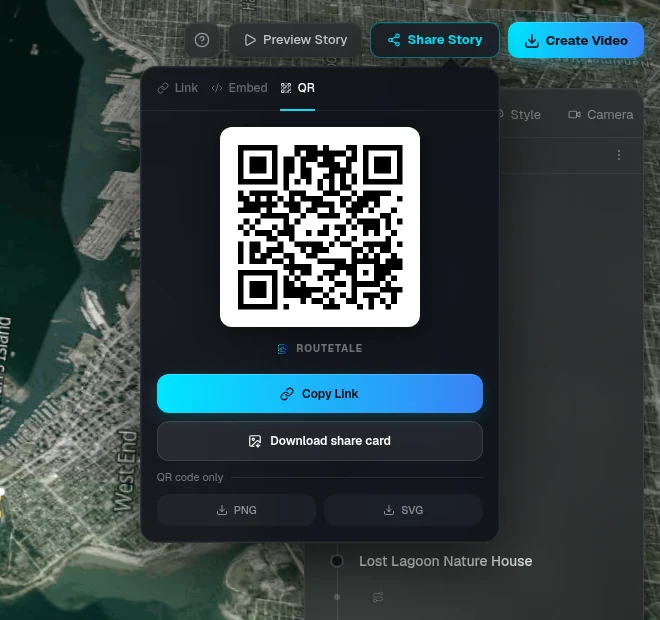
Share → QR shows a code that opens the story on a phone. Download it as a share card ready to post, or as a plain PNG or SVG for print.
Ready to tell your story?
Turn your GPS track into an interactive, cinematic 3D map in just a few clicks.
Start your first story