
Exporting
Export a video or snapshot
Render the story as a video for Reels, TikTok or YouTube, or save a still image of any view.
Video
Export a video
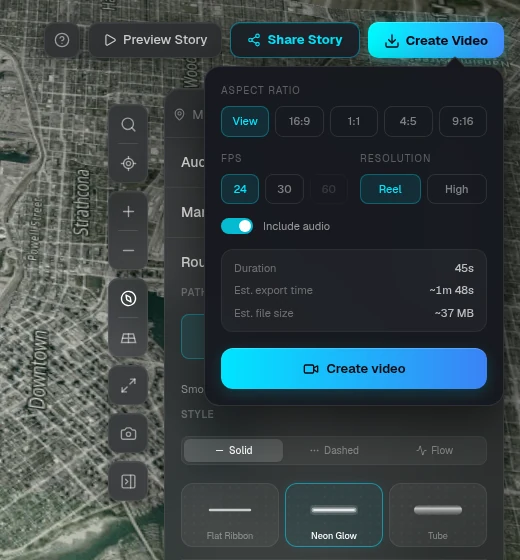
Click Export, choose the settings, and RouteTale renders the whole story in your browser. No screen recording needed.
- — Aspect Ratio: View (what you see in the editor), 16:9, 1:1, 4:5 or 9:16
- — Resolution: Reel (1920 px, 24 or 30 fps) or High (2560 px, up to 60 fps, Plus)
- — Include audio adds your music and sound effects
- — The dialog estimates the duration, export time and file size before you start
- — Keep the tab open while it renders. The file downloads as an MP4 (WebM in browsers that can't make MP4)
Free vs Plus
Watermark and end card
Videos exported on the Free plan carry a small routetale.app mark in the corner and end with a two-second "Made with RouteTale" card. Plus exports have neither.
Snapshot
Take a snapshot
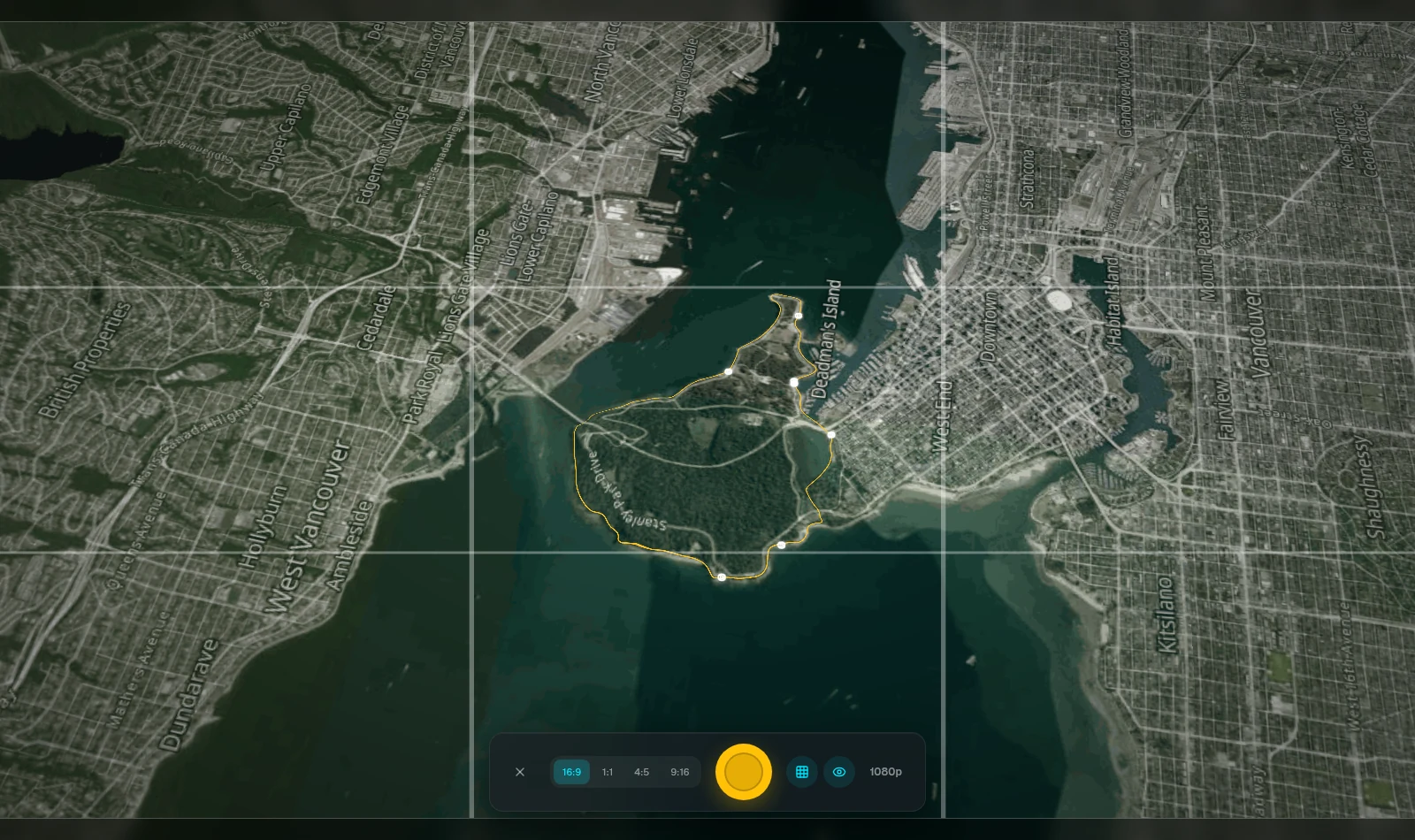
Click Take a Snapshot in the map toolbar, frame the shot, and save a still image.
- — Social: 1920 px JPEG
- — Plus: High (2560 px JPEG) and Print (3840 px PNG)
- — Free snapshots include a RouteTale watermark
Ready to tell your story?
Turn your GPS track into an interactive, cinematic 3D map in just a few clicks.
Start your first story